 Xargaar Tools
See a review run in 60 seconds
Synthetic demo data - a 34-line merchant catalog against a supplier's new November price list. Try the workflow before using your own files. Files never leave this tab.
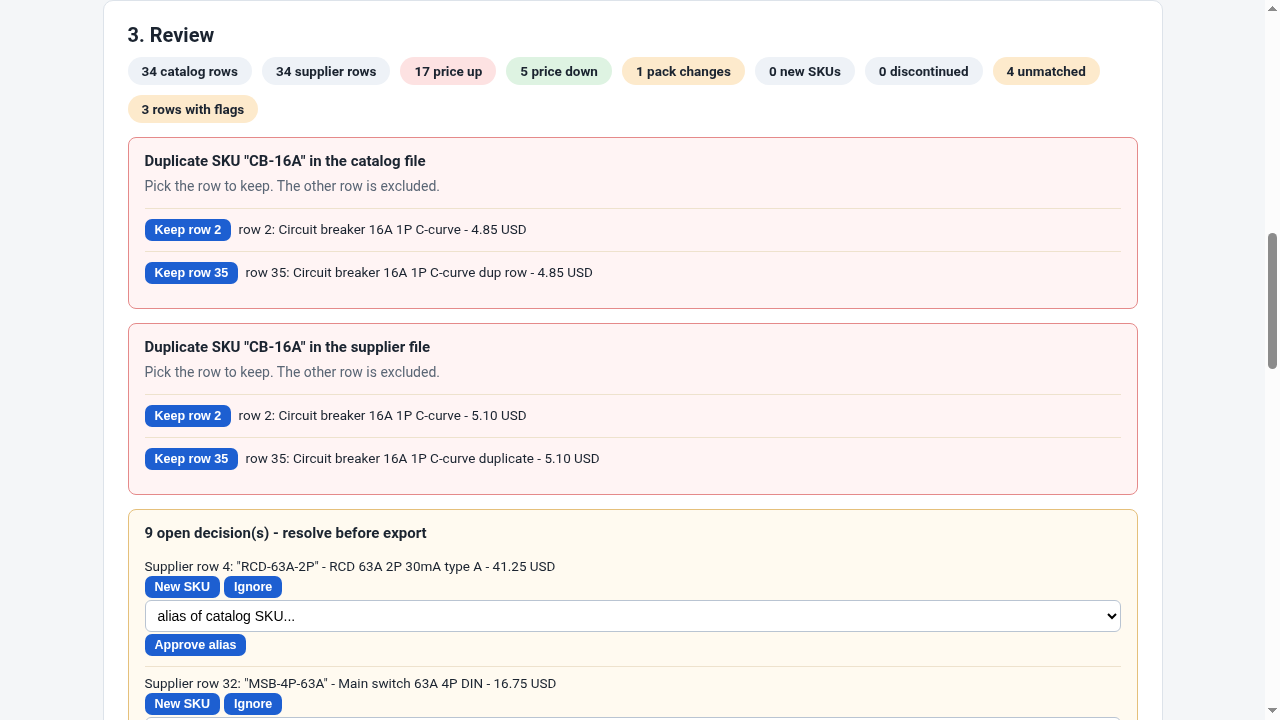
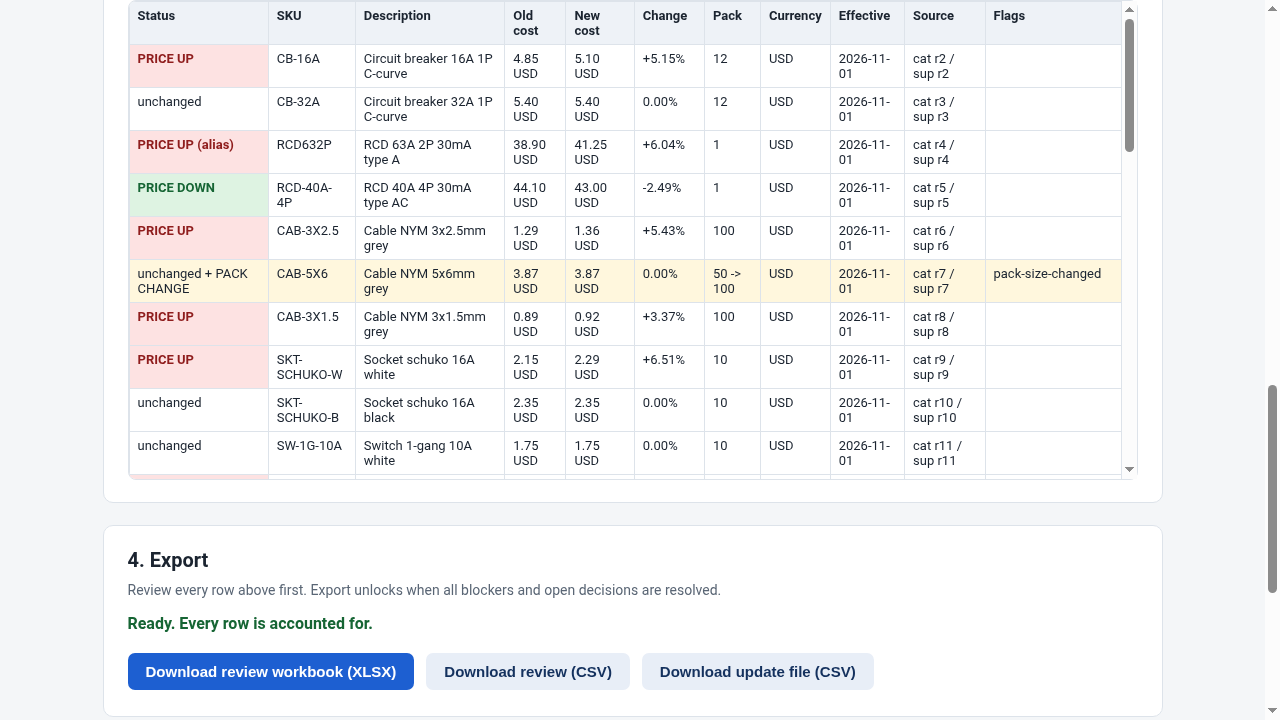
Next supplier increase lands in your inbox? Same three steps - your saved column mapping and approved aliases load automatically.
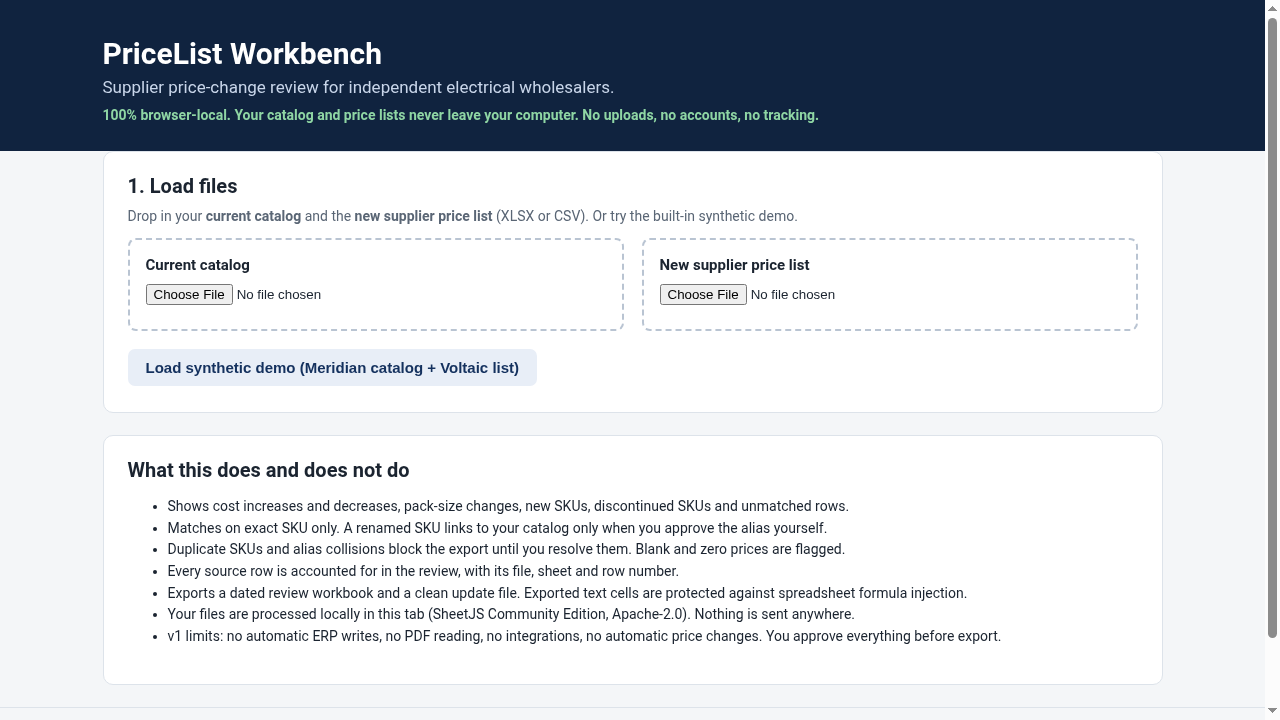
1. Load files
Drop in your current catalog and the new supplier price list (XLSX or CSV). Or try the built-in synthetic demo.
Current catalog
New supplier price list
What this does and does not do
- Shows cost increases and decreases, pack-size changes, new SKUs, discontinued SKUs and unmatched rows.
- Matches on exact SKU only. A renamed SKU links to your catalog only when you approve the alias yourself.
- Duplicate SKUs and alias collisions block the export until you resolve them. Blank and zero prices are flagged.
- Every source row is accounted for in the review, with its file, sheet and row number.
- Exports a dated review workbook and a clean update file. Exported text cells are protected against spreadsheet formula injection.
- Your files are processed locally in this tab (SheetJS Community Edition, Apache-2.0). Nothing is sent anywhere.
- v1 limits: no automatic ERP writes, no PDF reading, no integrations, no automatic price changes. You approve everything before export.